A picture for your wall
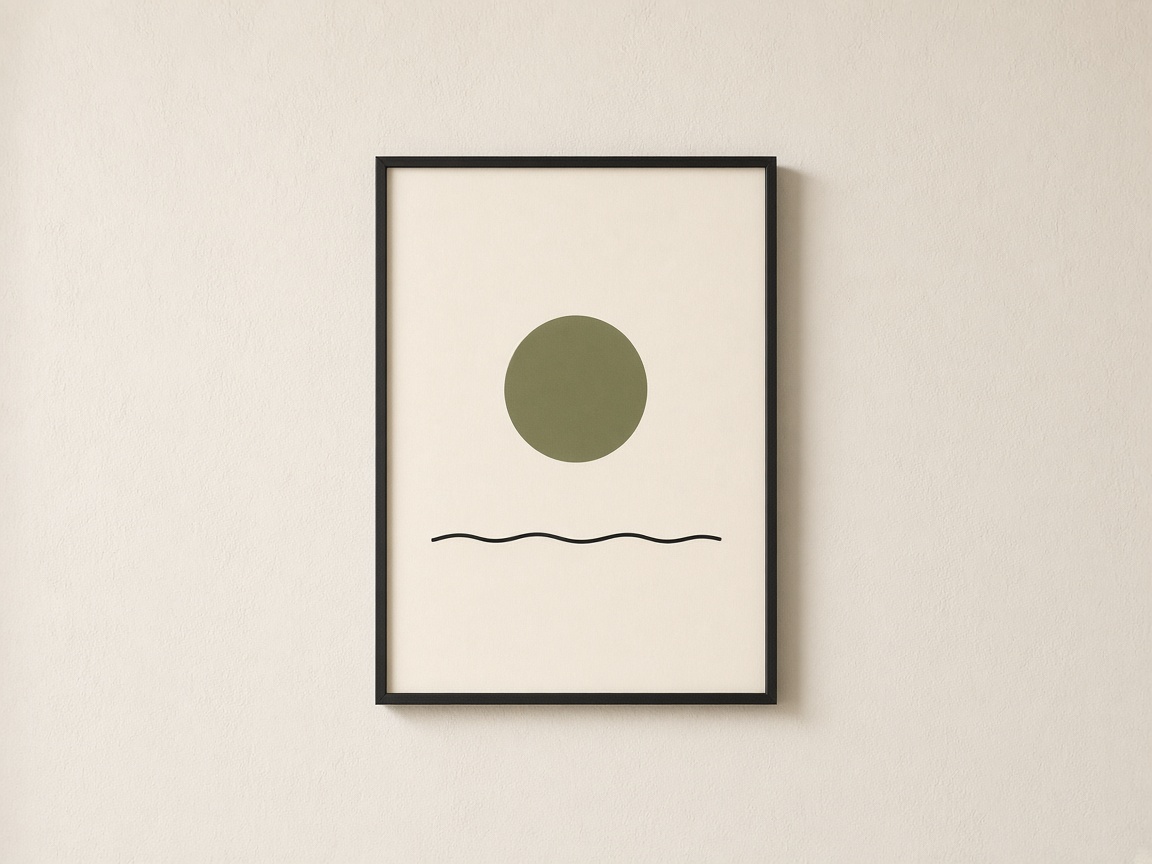
Choose a poster if you want an unframed print, or a framed print if you want a physical frame included. Check the image proportions against the chosen paper size before committing to a crop.
Print ChatGPT images with Print My Image
Yes, you can turn an image created in ChatGPT into a physical print. Save the finished image, upload it to Print My Image, choose a product, and review the design before paying. You can use the website today; our ChatGPT plugin is coming soon.
The plugin is coming soon. You can already upload a saved ChatGPT image in our editor.
A practical guide
Choose a mug, T-shirt, greeting card, matte poster, or framed print. You do not need to recreate your design in a separate design tool: the editor lets you adjust the size and position of the image you upload. Any lettering you want printed must already be part of the artwork.
Mugs, T-shirts, posters, and framed prints are offered in the United States, Europe, the United Kingdom, Canada, and Australia. Greeting cards are available only in the United States and Europe. Options and prices depend on your destination; shipping and any applicable tax are additional.
A few starting points
Choose a poster if you want an unframed print, or a framed print if you want a physical frame included. Check the image proportions against the chosen paper size before committing to a crop.
Mugs and T-shirts suit artwork with one clear subject. If your image has many small details, simplify the design or choose a larger printed format where those details are easier to see.
Turn a small illustration into a greeting card. Check any generated name or message letter by letter, and choose a composition with enough space around the main subject.
Try this in ChatGPT
Copy this prompt into ChatGPT and change the subject, colours, or style to suit your idea.
Create a portrait illustration of a quiet hillside village in warm terracotta, olive green, and ivory, with bold shapes and clear details. Make a flat artwork suitable for printing, with the village comfortably inside the edges. No lettering, frame, room scene, or product mockup.
Refine the image until you are happy with it. Save the original image file, then upload it to the editor. You need the rights to any artwork you submit.
How it works
Describe the artwork you want, generate the image, and refine the details.
Upload the saved image to our editor. Choose your product options and adjust the size and position.
Check the preview and the product and shipping costs before paying. Your order is printed after payment.
When the ChatGPT plugin launches, you will also be able to ask Print My Image to put your image on a product from your conversation.
Before you print
You can upload your saved PNG or JPG to the Print My Image editor and order a mug, T-shirt, poster, framed print, or greeting card where available. Choose the destination first so you see the products and options offered there.
No. The website editor already accepts saved images. The plugin is coming soon and will offer a way to start the product design from your ChatGPT conversation.
Use the actual image file instead. Save the final image from ChatGPT, then upload that PNG or JPG in the editor. This also helps you choose the exact version you want printed.
Yes. You do not need to generate it again. Upload the saved file, provided you have the rights to use it, and check its quality at the size you intend to print.
Make it in ChatGPT, then turn it into something you can hold. Upload a saved image now, or use the plugin when it launches.