A travel poster for your own escape
Invent a coastal town, a mountain retreat, or a city on another planet. Describe the architecture, atmosphere, and palette so the result feels deliberate rather than generic.
AI posters with Print My Image
Turn an idea for your wall into a printed poster: an imaginary travel destination, an abstract study in your favourite colours, or a landscape from a place you love. Make the artwork in ChatGPT, then upload it to Print My Image or start with the plugin when it launches.
The plugin is coming soon. You can already upload a saved ChatGPT image in our editor.
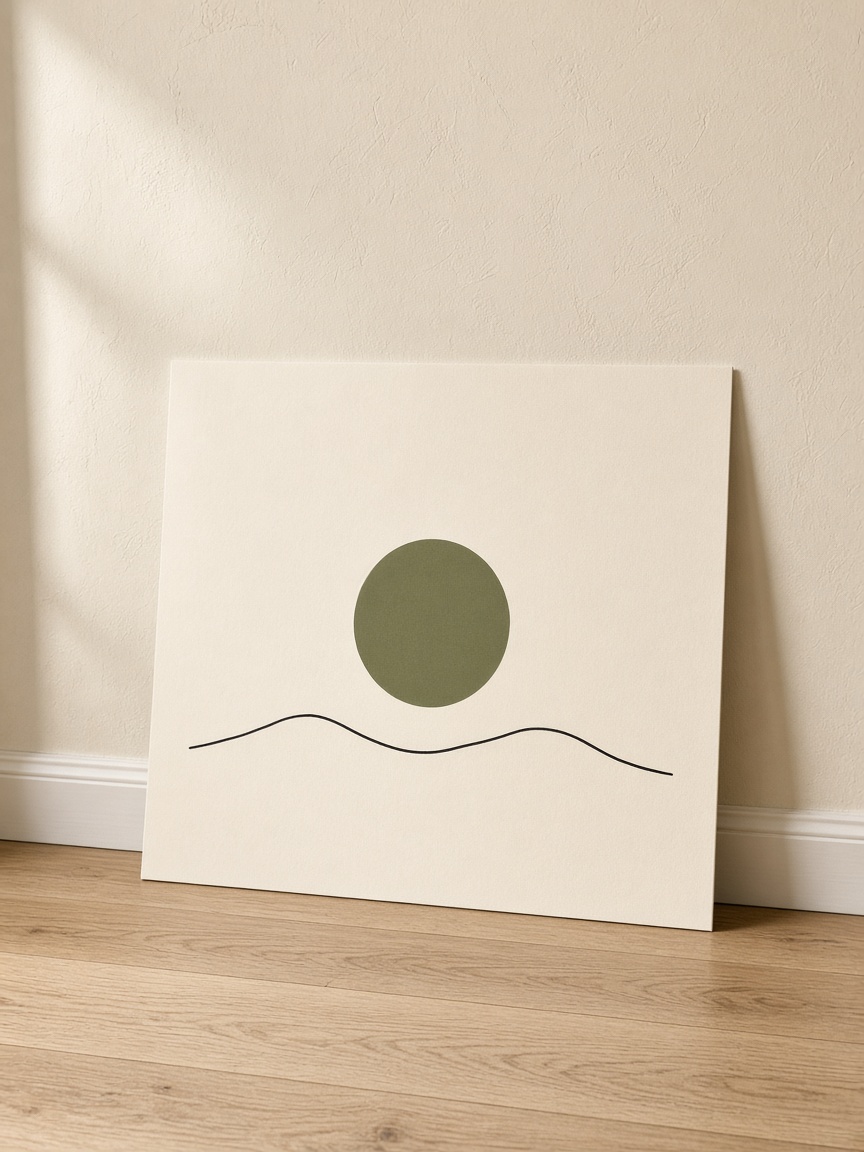
The printed product
Matte paper in 8×10, 12×16, or 18×24 inches. United States prices start at $24.99, before shipping and any applicable tax. A frame is not included.
Available in the United States, Europe, the United Kingdom, Canada, and Australia. Select your destination in the editor for local pricing and available sizes.
A few starting points
Invent a coastal town, a mountain retreat, or a city on another planet. Describe the architecture, atmosphere, and palette so the result feels deliberate rather than generic.
Pick two or three colours and specify the balance of shape and empty space. Simple compositions can make useful wall art without depending on tiny details.
Create two related images with the same palette and style, but different subjects. Review each image separately and keep the chosen print sizes consistent.
Try this in ChatGPT
Copy this prompt into ChatGPT and change the subject, colours, or style to suit your idea.
Create a portrait travel-poster illustration of an imaginary quiet coastal town: terracotta rooftops, deep blue water, pale sand, and a large warm sun. Use clean graphic shapes and a limited colour palette. Keep key details inside generous margins. No text, border, frame, wall scene, or poster mockup.
Refine the image until you are happy with it. Save the original image file, then upload it to the editor. You need the rights to any artwork you submit.
How it works
Describe the artwork you want, generate the image, and refine the details.
Upload the saved image to our editor. Choose your product options and adjust the size and position.
Check the preview and the product and shipping costs before paying. Your order is printed after payment.
When the ChatGPT plugin launches, you will also be able to ask Print My Image to put your image on a product from your conversation.
Before you print
Generate the artwork, save the original image, and upload it to the Print My Image editor. Select a poster size, adjust the placement, and check the preview before checkout. The ChatGPT plugin will offer another starting point when it launches.
No. This option is an unframed matte paper print. Choose a framed print if you want a physical frame included, or use a frame you already own.
The image and paper can have different proportions. Adjust the artwork in the editor and check whether the composition is cropped or leaves space around it. Generate a new version with more room around the subject if important details are too close to the edges.
Make it in ChatGPT, then turn it into something you can hold. Upload a saved image now, or use the plugin when it launches.