Artwork that belongs in your room
Tell ChatGPT the room's main colours and whether you want a calm or energetic composition. Repeating one accent colour can help the image connect with the space.
AI framed prints with Print My Image
Create artwork around the space where it will live. Describe the colours of your room, the mood you want, and a subject you enjoy. Make the image in ChatGPT, then use Print My Image to choose a frame and turn it into a physical piece for your wall.
The plugin is coming soon. You can already upload a saved ChatGPT image in our editor.
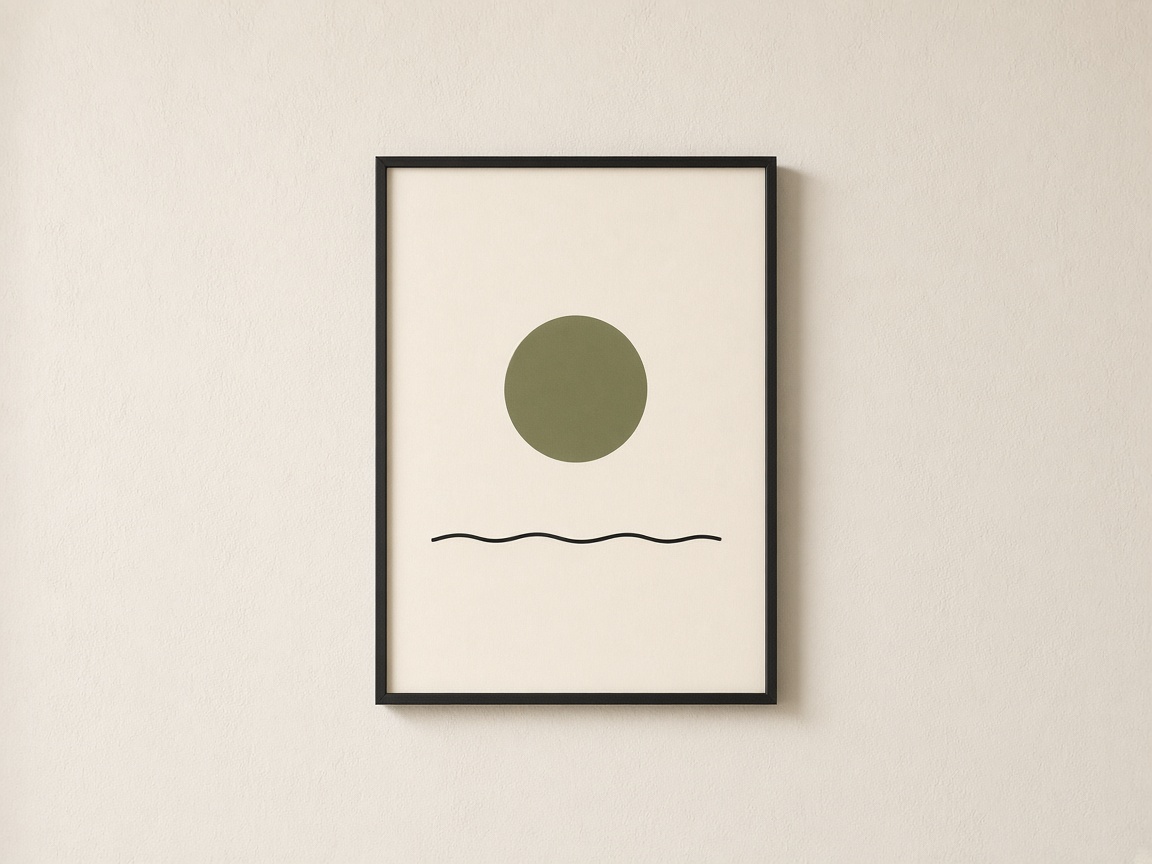
The printed product
8×10, 12×16, and 18×24 inch prints with black or white frame options. United States prices start at $39.99, before shipping and any applicable tax.
Available in the United States, Europe, the United Kingdom, Canada, and Australia. Frame colours and sizes vary by region; check the available combinations in the editor.
A few starting points
Tell ChatGPT the room's main colours and whether you want a calm or energetic composition. Repeating one accent colour can help the image connect with the space.
Describe a coastline, street, or landscape from memory. Ask for an interpretation rather than a literal map, and choose the details you want to recognise every day.
Turn the recipient's favourite flower, city, or view into an original illustration. Choose a composition that works on its own rather than relying on a generated room scene.
Try this in ChatGPT
Copy this prompt into ChatGPT and change the subject, colours, or style to suit your idea.
Create a portrait artwork for a framed print in a calm living room: an abstract olive sun over a thin charcoal horizon, with warm ivory space and subtle paper-like texture. Keep the composition airy and the main shapes away from the edges. Show only the artwork, without a frame, wall, furniture, or lettering.
Refine the image until you are happy with it. Save the original image file, then upload it to the editor. You need the rights to any artwork you submit.
How it works
Describe the artwork you want, generate the image, and refine the details.
Upload the saved image to our editor. Choose your product options and adjust the size and position.
Check the preview and the product and shipping costs before paying. Your order is printed after payment.
When the ChatGPT plugin launches, you will also be able to ask Print My Image to put your image on a product from your conversation.
Before you print
A poster is the paper print without a frame. A framed print includes a physical frame. Choose the poster option if you already have a frame or prefer to choose one yourself.
No. The combinations of frame colour and print size depend on the shipping region. The editor filters the choices for your destination so you can review the available options before paying.
It depends on the image, print size, and viewing distance. Inspect fine details before ordering and choose a smaller size if the source looks soft. Print My Image upscales artwork when a paid print needs more resolution, but upscaling cannot reliably recover missing details or fix incorrect lettering.
Make it in ChatGPT, then turn it into something you can hold. Upload a saved image now, or use the plugin when it launches.