A botanical graphic
Pick one plant or insect and give it room. A strong silhouette with a limited colour palette can work as either a small chest design or a larger central graphic.
AI T-shirts with Print My Image
Start with an illustration you would actually wear: a bold botanical drawing, a strange little character, or a graphic inspired by your hobby. Generate the artwork in ChatGPT, then place it on a T-shirt with Print My Image and adjust the design before checkout.
The plugin is coming soon. You can already upload a saved ChatGPT image in our editor.
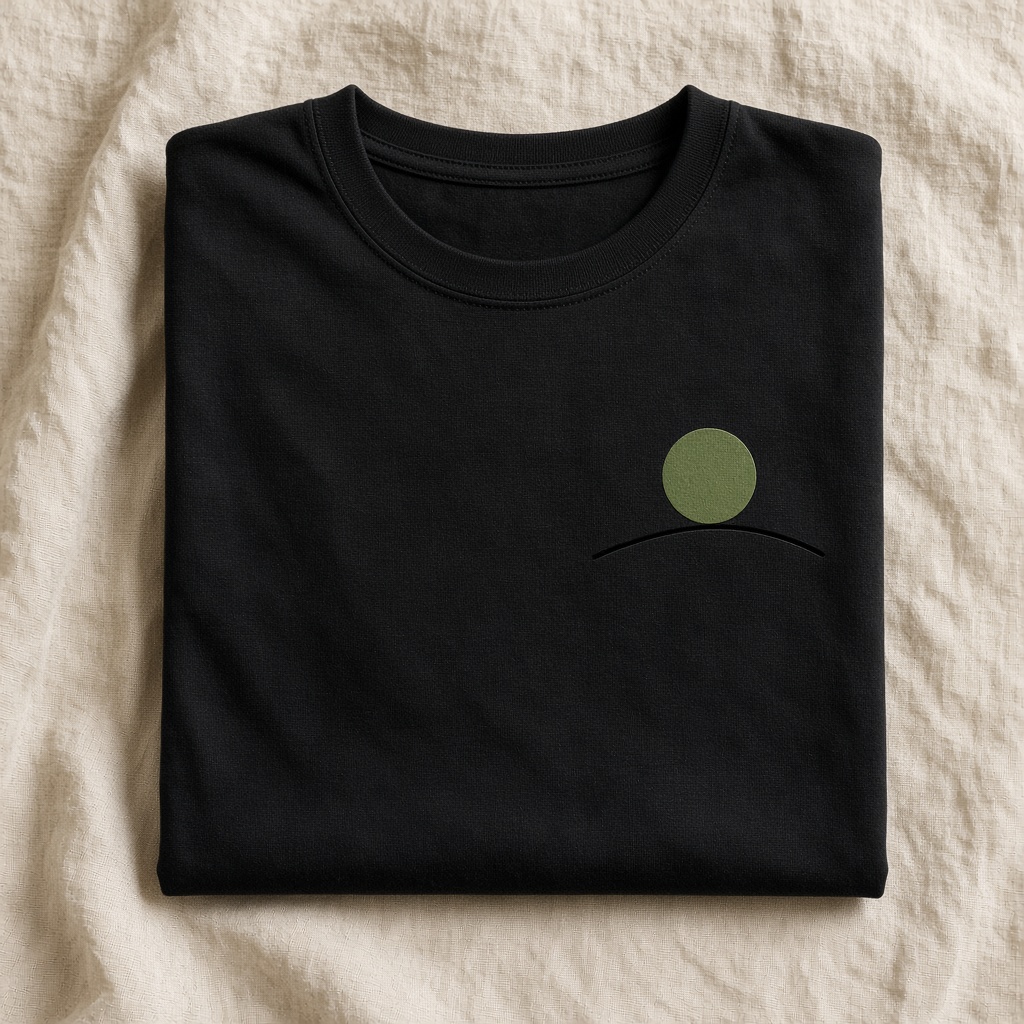
The printed product
Bella+Canvas 3001 in sizes S–XL. Colours include Black, White, Navy, Athletic Heather, Red, and True Royal. United States prices start at $29.99, before shipping and any applicable tax.
Available in the United States, Europe, the United Kingdom, Canada, and Australia. The editor shows the colours and sizes available for your destination.
A few starting points
Pick one plant or insect and give it room. A strong silhouette with a limited colour palette can work as either a small chest design or a larger central graphic.
Describe an original mascot, its expression, and a simple pose. Keep the character distinct from existing entertainment franchises and inspect small features before printing.
Translate baking, cycling, birdwatching, or another interest into a single visual idea. Start with the illustration and only add words if they improve the design.
Try this in ChatGPT
Copy this prompt into ChatGPT and change the subject, colours, or style to suit your idea.
Create an original flat graphic for the front of a black T-shirt: a bold cream-coloured moth with olive green botanical details, balanced and symmetrical. Use crisp shapes and strong contrast. Transparent background, no lettering, no person, no fabric texture, and no T-shirt mockup.
Refine the image until you are happy with it. Save the original image file, then upload it to the editor. You need the rights to any artwork you submit.
How it works
Describe the artwork you want, generate the image, and refine the details.
Upload the saved image to our editor. Choose your product options and adjust the size and position.
Check the preview and the product and shipping costs before paying. Your order is printed after payment.
When the ChatGPT plugin launches, you will also be able to ask Print My Image to put your image on a product from your conversation.
Before you print
Create the artwork in ChatGPT, save it, and upload it to the Print My Image editor. Choose a shirt colour and size, then adjust the artwork. When the plugin is available, you will also be able to start from your ChatGPT conversation.
No. A rectangular illustration can be intentional. If you want only the subject printed, use an image with real transparency and inspect the preview for any unwanted background.
Yes, if the text is already part of your uploaded image. Check every letter and make sure the words are large enough to read at the intended print size. You need the rights to the artwork you submit.
Make it in ChatGPT, then turn it into something you can hold. Upload a saved image now, or use the plugin when it launches.