Christmas cards with a personal setting
Describe a familiar home, a favourite winter walk, or a pet among the presents. A recognisable detail makes a seasonal card feel personal without needing a family photo shoot.
AI greeting cards with Print My Image
A birthday card can feature someone's favourite animal. A Christmas card can show the little cottage you wish you were spending the holidays in. Create a personal illustration in ChatGPT and turn it into a printed greeting card with Print My Image.
The plugin is coming soon. You can already upload a saved ChatGPT image in our editor.
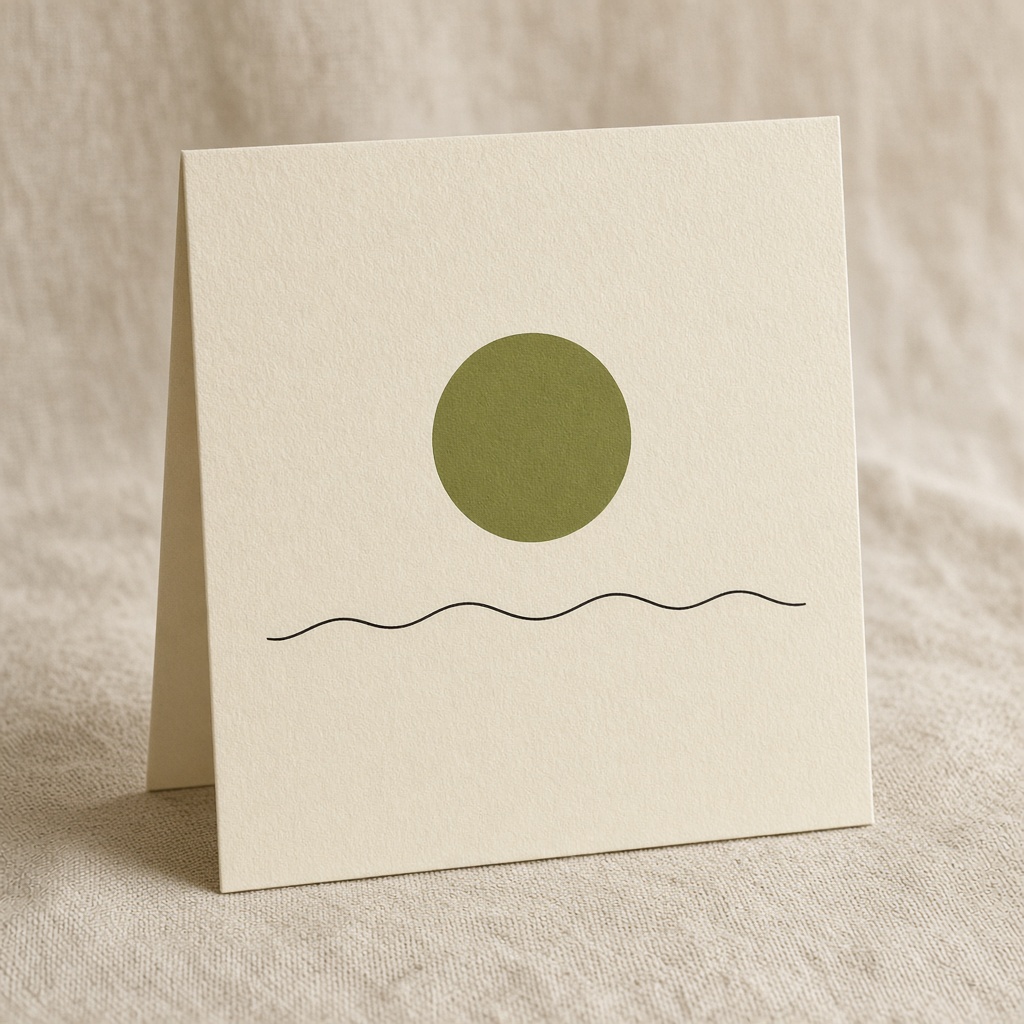
The printed product
4×6 and 5×7 inch cards in Europe; 4×6 inch cards in the United States. United States prices start at $9.99, before shipping and any applicable tax.
Greeting cards are available in the United States and Europe. They are not currently offered in the United Kingdom, Canada, or Australia.
A few starting points
Describe a familiar home, a favourite winter walk, or a pet among the presents. A recognisable detail makes a seasonal card feel personal without needing a family photo shoot.
Mix two things the recipient loves, such as gardening and dachshunds. Ask for one playful scene rather than trying to squeeze every interest into the design.
Choose a simple floral arrangement, a little landscape, or an illustrated object that recalls the favour. Leave space in the composition so the front feels considered.
Try this in ChatGPT
Copy this prompt into ChatGPT and change the subject, colours, or style to suit your idea.
Create a portrait illustration for the front of a Christmas greeting card: a cosy little cottage in snow, warm window light, a pine tree, and a deep blue evening sky. Use a soft gouache style. Keep the cottage away from the edges and leave calm space above it. No lettering, folded card mockup, or envelope.
Refine the image until you are happy with it. Save the original image file, then upload it to the editor. You need the rights to any artwork you submit.
How it works
Describe the artwork you want, generate the image, and refine the details.
Upload the saved image to our editor. Choose your product options and adjust the size and position.
Check the preview and the product and shipping costs before paying. Your order is printed after payment.
When the ChatGPT plugin launches, you will also be able to ask Print My Image to put your image on a product from your conversation.
Before you print
Yes. Describe the scene, style, and colours you want, then refine the generated image. Upload the finished artwork to Print My Image to preview it on a greeting card. The ChatGPT plugin will provide another way to start when it becomes available.
Cards are currently offered for destinations in the United States and Europe. The US has the 4×6 inch option; Europe has 4×6 and 5×7 inch options. Cards are hidden for the UK, Canada, and Australia.
You can ask ChatGPT to include a short greeting in the artwork itself. Check spelling, legibility, and placement before uploading the final image; this page does not provide a separate text editor.
Make it in ChatGPT, then turn it into something you can hold. Upload a saved image now, or use the plugin when it launches.