A pet with a personality
Describe your pet's markings, favourite toy, and one funny habit. Ask for a simple portrait with a clear silhouette so it stays recognisable on a small print.
AI mugs with Print My Image
Make a mug around something only you would think of: a cat dressed as an astronaut, a favourite walking spot, or a tiny illustration of your morning ritual. Create the image in ChatGPT, then use Print My Image to place it on a white glossy mug and review the design before ordering.
The plugin is coming soon. You can already upload a saved ChatGPT image in our editor.
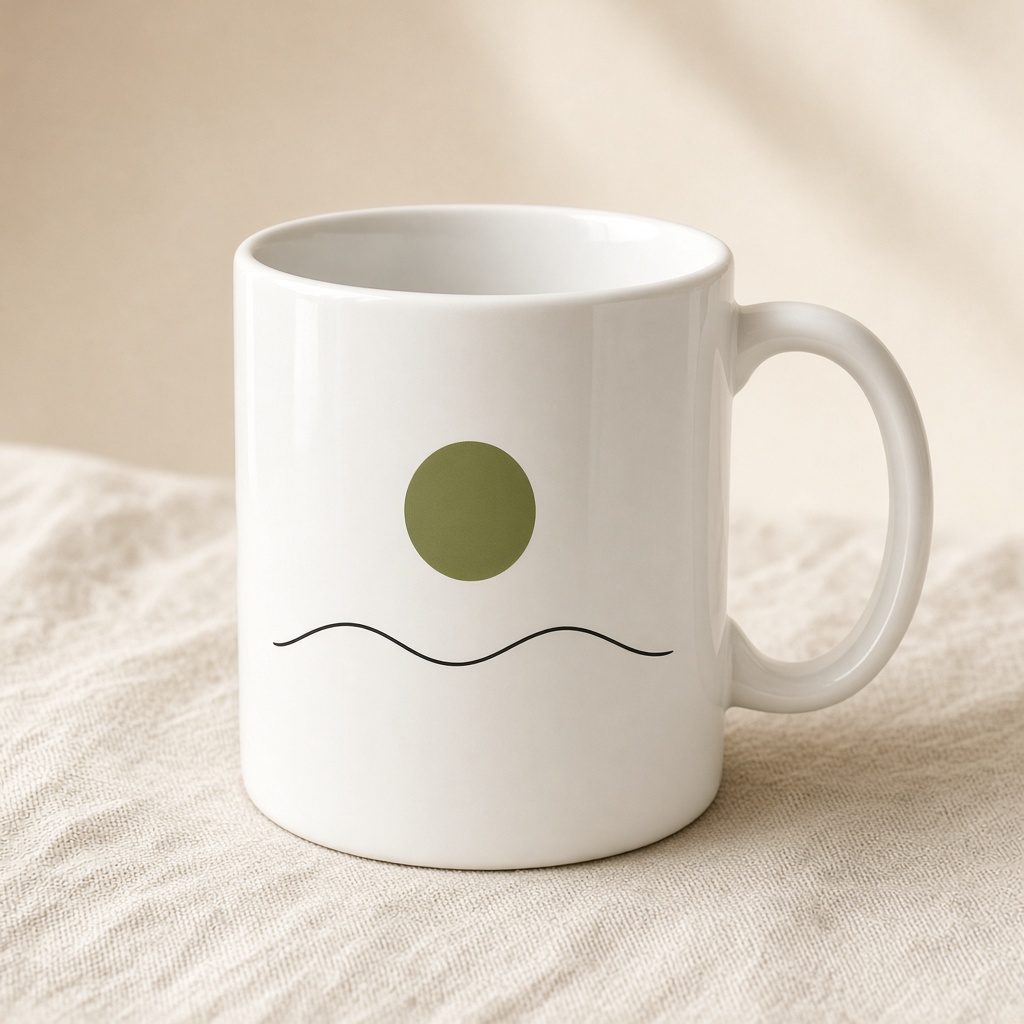
The printed product
White glossy mug in 11, 15, or 20 oz. United States prices start at $19.99, before shipping and any applicable tax.
Available in the United States, Europe, the United Kingdom, Canada, and Australia. Choose your destination in the editor to see local pricing and available options.
A few starting points
Describe your pet's markings, favourite toy, and one funny habit. Ask for a simple portrait with a clear silhouette so it stays recognisable on a small print.
Bring together a pair of hiking boots, a mountain, and a little sun. A few deliberate objects usually read better on a mug than a busy landscape.
Turn a shared memory into a small scene. Let the image tell the story, or keep any wording short and check every letter before printing.
Try this in ChatGPT
Copy this prompt into ChatGPT and change the subject, colours, or style to suit your idea.
Create a flat illustration for a white mug: an orange cat curled around a coffee cup, with bold olive green leaves and warm terracotta details. Keep the subject compact and centred on a plain white background. No text, shadows, product mockup, or photograph of a mug.
Refine the image until you are happy with it. Save the original image file, then upload it to the editor. You need the rights to any artwork you submit.
How it works
Describe the artwork you want, generate the image, and refine the details.
Upload the saved image to our editor. Choose your product options and adjust the size and position.
Check the preview and the product and shipping costs before paying. Your order is printed after payment.
When the ChatGPT plugin launches, you will also be able to ask Print My Image to put your image on a product from your conversation.
Before you print
Create your image in ChatGPT, then ask Print My Image to put it on a mug when the plugin is available. You can already save the image and upload it to the website editor. Choose your mug size, adjust the artwork, and review it before checkout.
Yes. Upload an image you have the rights to use in the website editor. You can adjust its scale and position on the mug before ordering.
A screen emits light and a printed surface reflects it, so colours can look different. Use clear contrast and avoid relying on subtle differences between very pale shades.
Make it in ChatGPT, then turn it into something you can hold. Upload a saved image now, or use the plugin when it launches.